View and Play Voicemail Messages
If you hear a stutter dial tone when you pick up the handset, new messages are in your voicemail box. The phone also provides a visual indication of voicemail messages.
See here for a video clip demonstrating how to view and play voicemail messages.
| ➢ | To view a list of your voicemail messages: |
| 1. |
 . . |
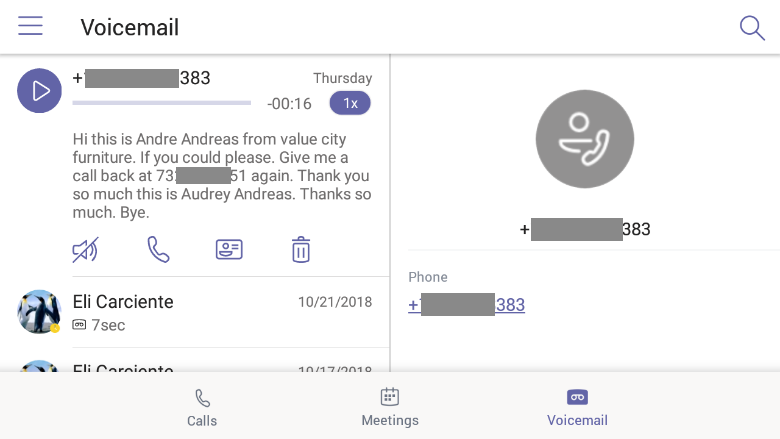
| 2. | Scroll down to select from the list of messages (if there are voicemail messages in your box) which message to Play, Call or Delete. |
For more information, see here.